
Everything you need, nothing you don’t.
A closer look at what VectorSpace can do.
Built for speed and precision.
Highlights that make VectorSpace feel different from the first minute.
Precision pen
Bezier control with live curvature and gentle smoothing.
Shape builder
Merge, subtract and intersect by sweeping across shapes.
Color tools
Recolor artwork and build harmonious palettes quickly.
Type on a path
Flow text along any curve with crisp kerning.
Cloud libraries
Share colors, symbols and logos across every device.
Print ready
CMYK, bleeds and trim marks built in.
Shortcuts
Rebind keys and save workspaces per project.
Runs anywhere
Native on desktop and in any modern browser via WebAssembly.
Scriptable
Every action is a command you can search, script and automate.
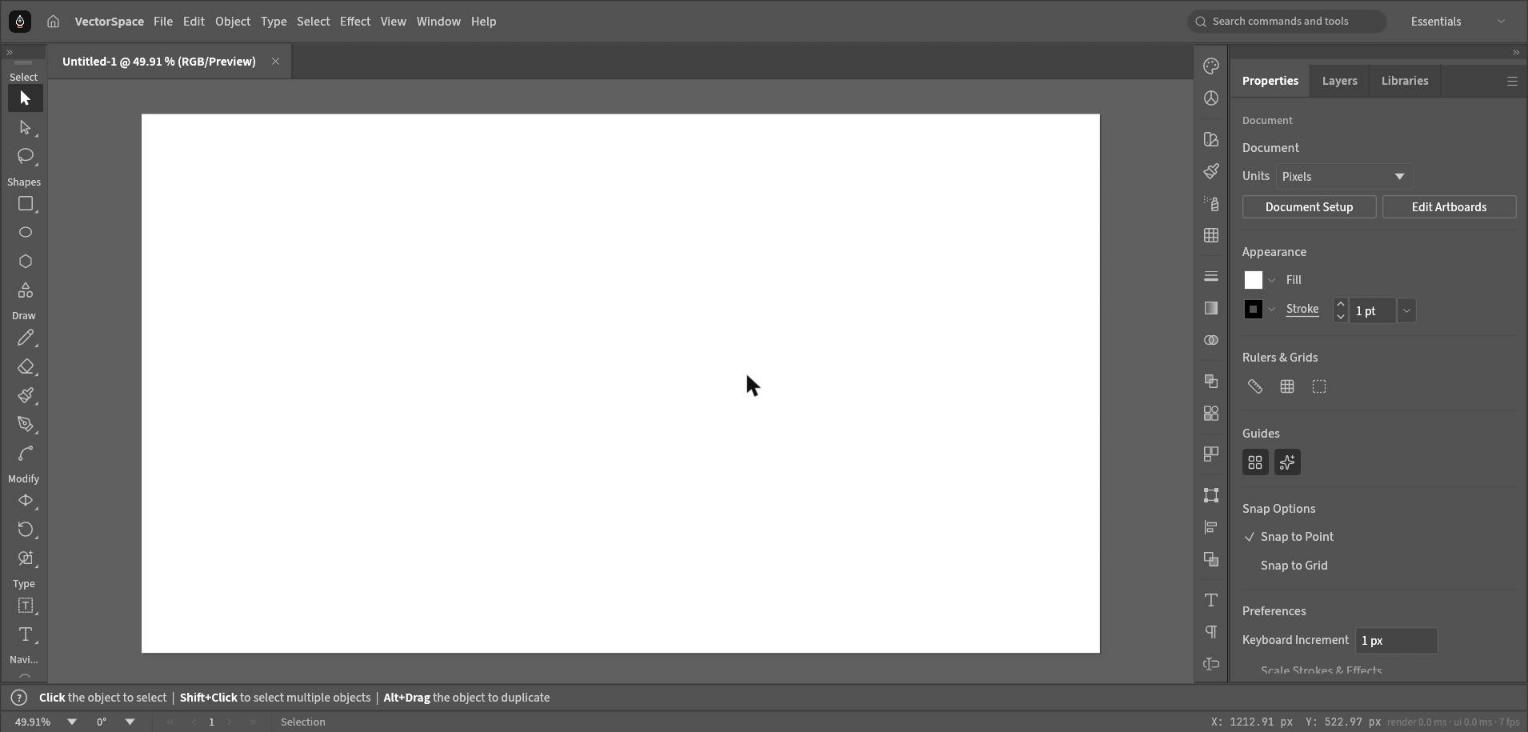
A layout that gets out of your way.
Tools, panels and a command search sit exactly where you expect, so you spend time drawing instead of hunting.
- Dockable, customizable panels
- Search every command from the top bar
- Same layout on desktop and web
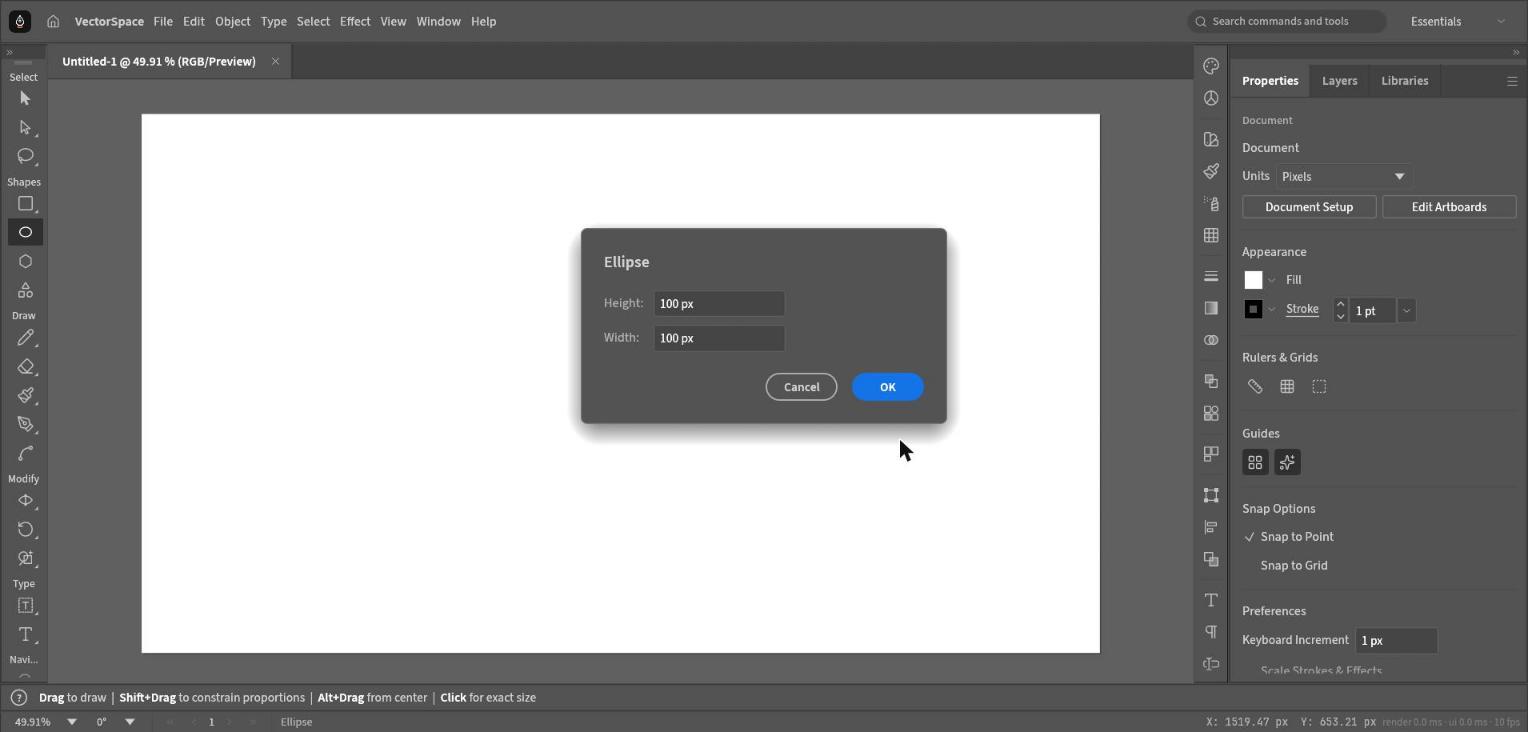
Exact shapes in a single click.
Drag to draw freely or click once to type the exact size, with live preview and smart snapping to points and grids.
- Numeric entry for every shape
- Snap to point and grid
- Constrain and draw from center
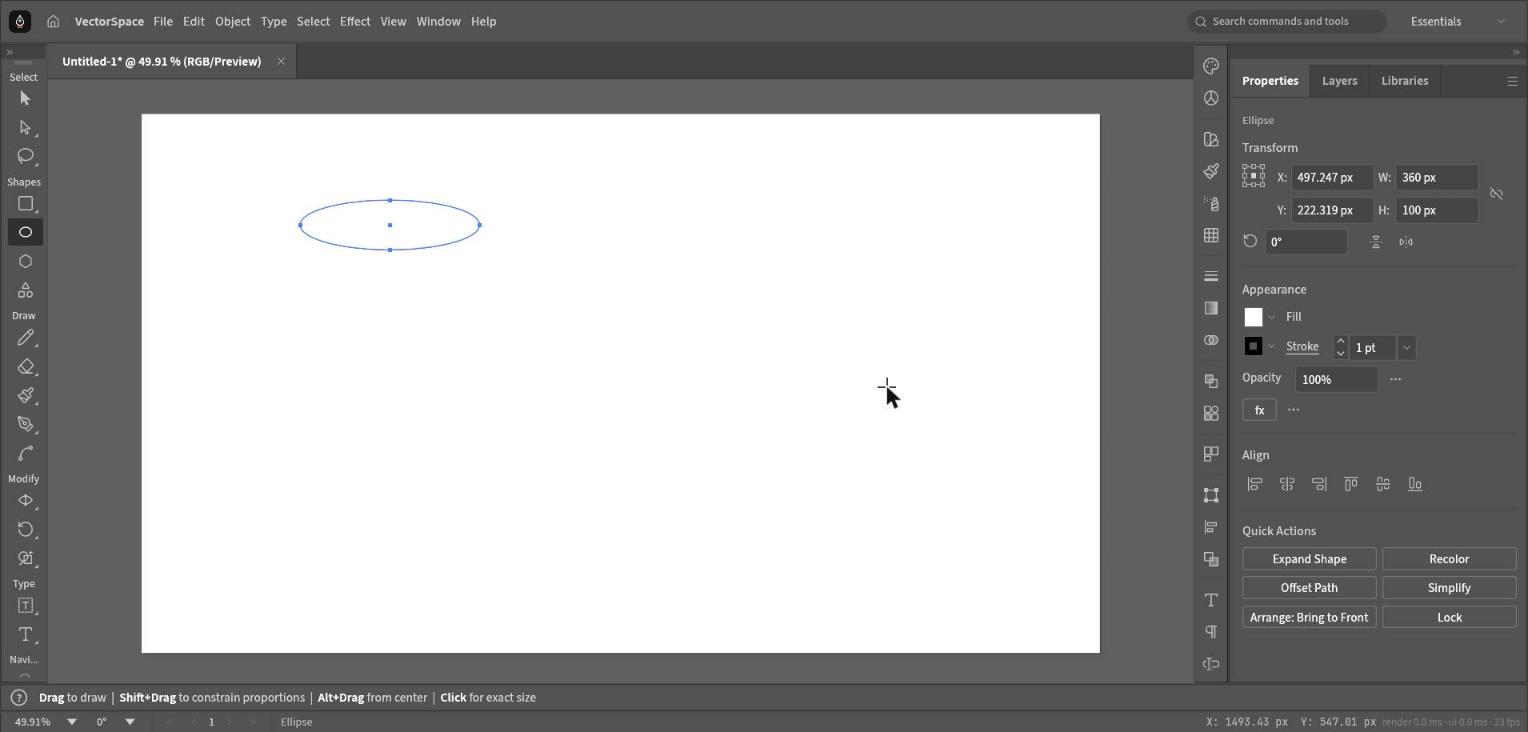
Everything about your selection, together.
Transform, align, fill, stroke, opacity and quick actions follow whatever you select, so styling takes seconds.
- Live transform fields
- Quick actions: expand, recolor, simplify, offset
- Align and distribute built in
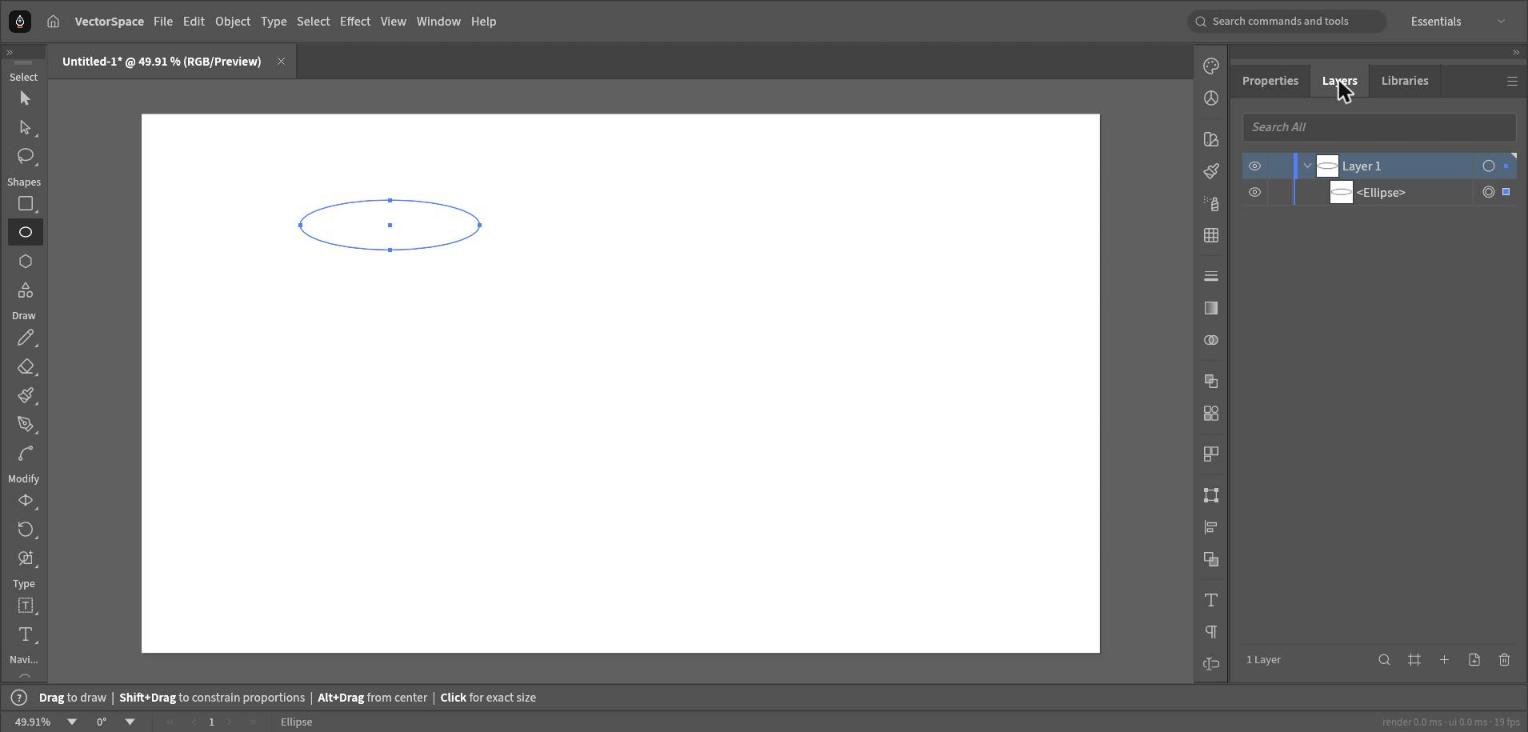
Stay organized on big projects.
Search, show, hide, lock and reorder layers and objects, with thumbnails that update as you draw.
- Search across all layers
- Lock and hide with one click
- Sublayers and groups
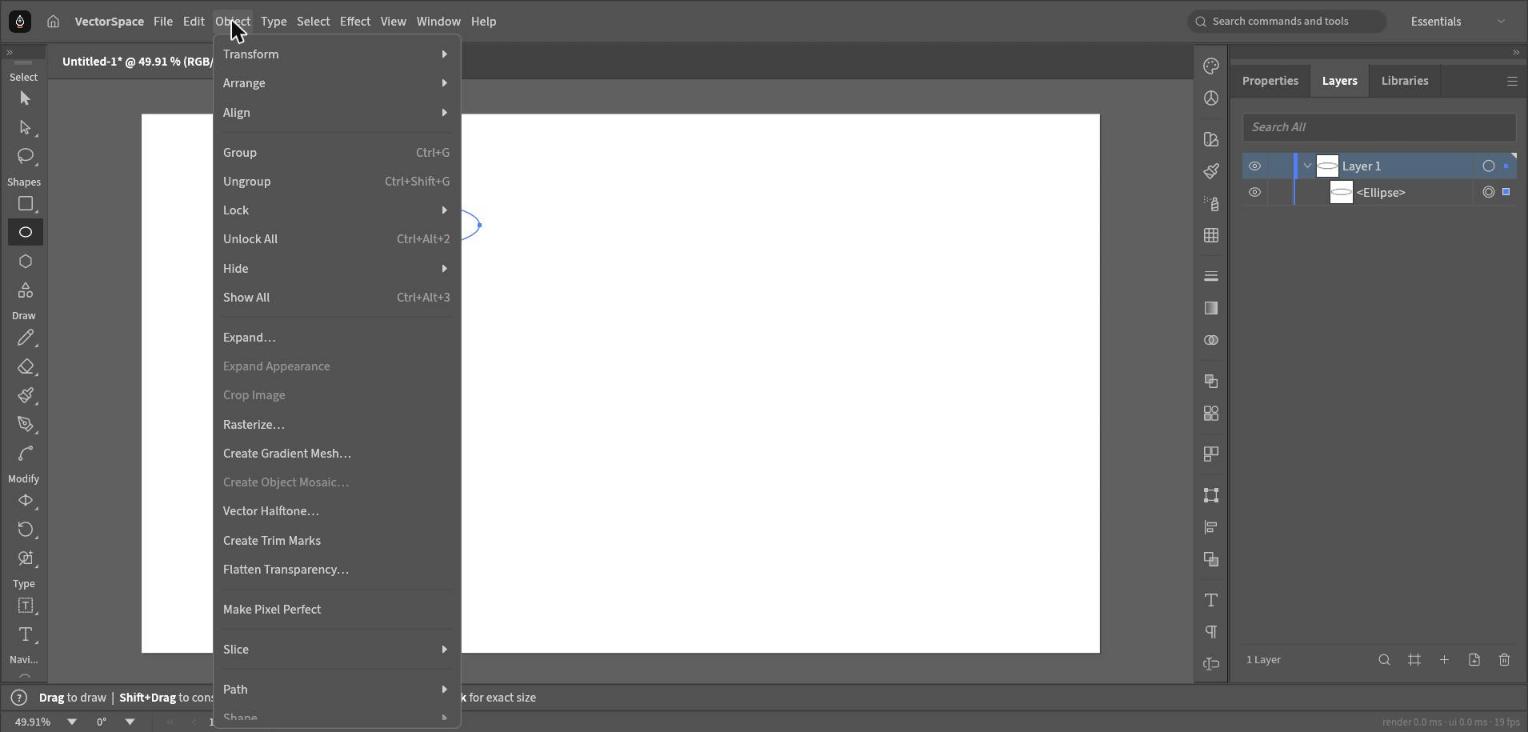
Hundreds of tools, one menu away.
Group, arrange, expand, rasterize, create trim marks and more. Every command has a shortcut and a place in the menus.
- Familiar menu structure
- Keyboard shortcuts for everything
- Scriptable commands